NordPass
20% Cashback
Cashback timeline
Purchase
Tracked in
2 days
Confirmed in
90 days
Terms and exclusions
Refunds, cancellations and no-shows
Any rejected, cancelled, refunded, exchanged or returned purchases will not be eligible for Cashback.
- For partial returns or exchanges, we'll prorate the Cashback as an adjustment.
Tracking disclaimers
- Your Cashback may be tracked at a different rate initially and adjusted to the correct rate when we confirm the transaction details.
Other terms and conditions
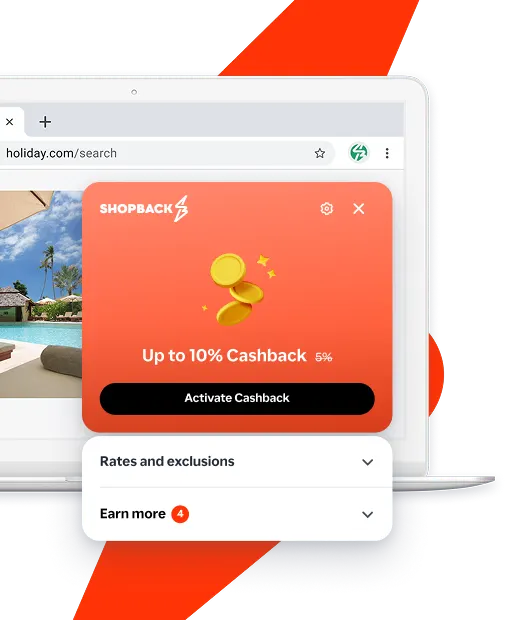
Never miss Cashback on NordPass
Get instant alerts on Cashback when you shop online with the ShopBack extension.
Cashback tips
Check carefully for Cashback exclusions and caps before you buy or book to avoid disappointment. Don't forget the terms and conditions on any promotion and campaign pages.
Complete your shopping in one go: Always start from this platform to visit the store directly, for every new transaction. If your store visit is interrupted by an app update or download screen, restart your shopping from our platform.
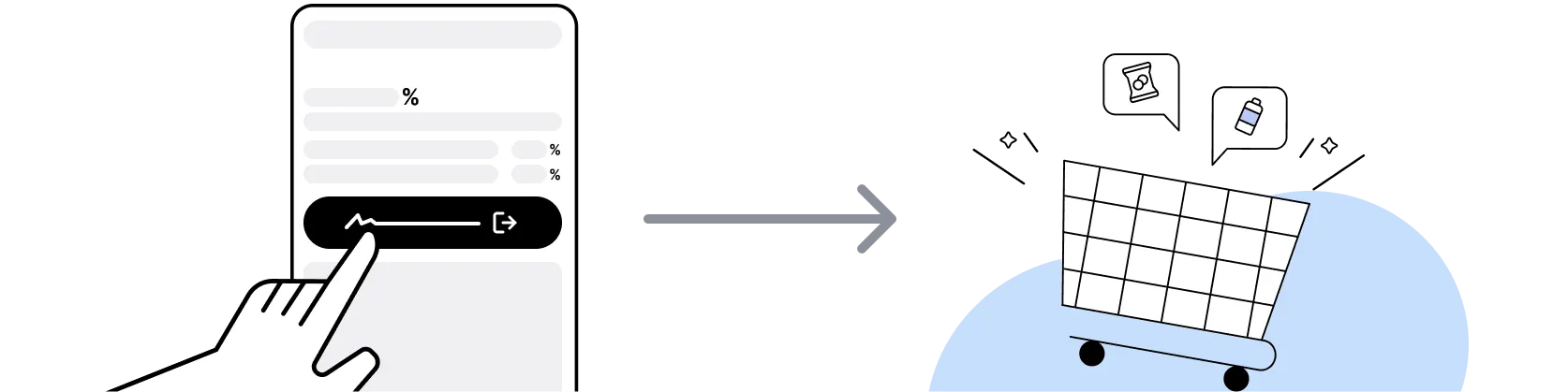
Don't click on any third party links or extensions or use VPN or adblocking software, as they could result in your Cashback not being tracked. Some examples include: Facebook ads, Google Ads, other loyalty or cashback extension links.

For NordPass, you need to clear your cart, close the NordPass app, open this platform to visit the NordPass app or website and complete your purchase there in order to earn Cashback. You need to do this for each purchase.
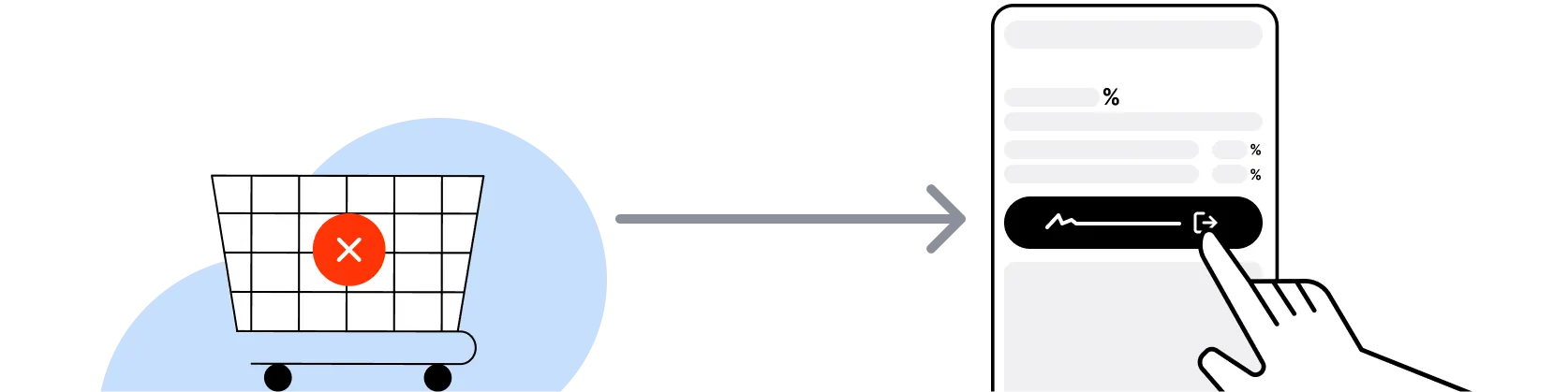
If you encounter payment errors during your purchase, you should restart your visit to the NordPass from this platform to ensure that your Cashback continues to be tracked.
NordPass can only confirm to us that a transaction is recorded if you accept all cookies that appear on their pages.
Shop and earn at similar stores
NordPass on ShopBack
What is NordPass?
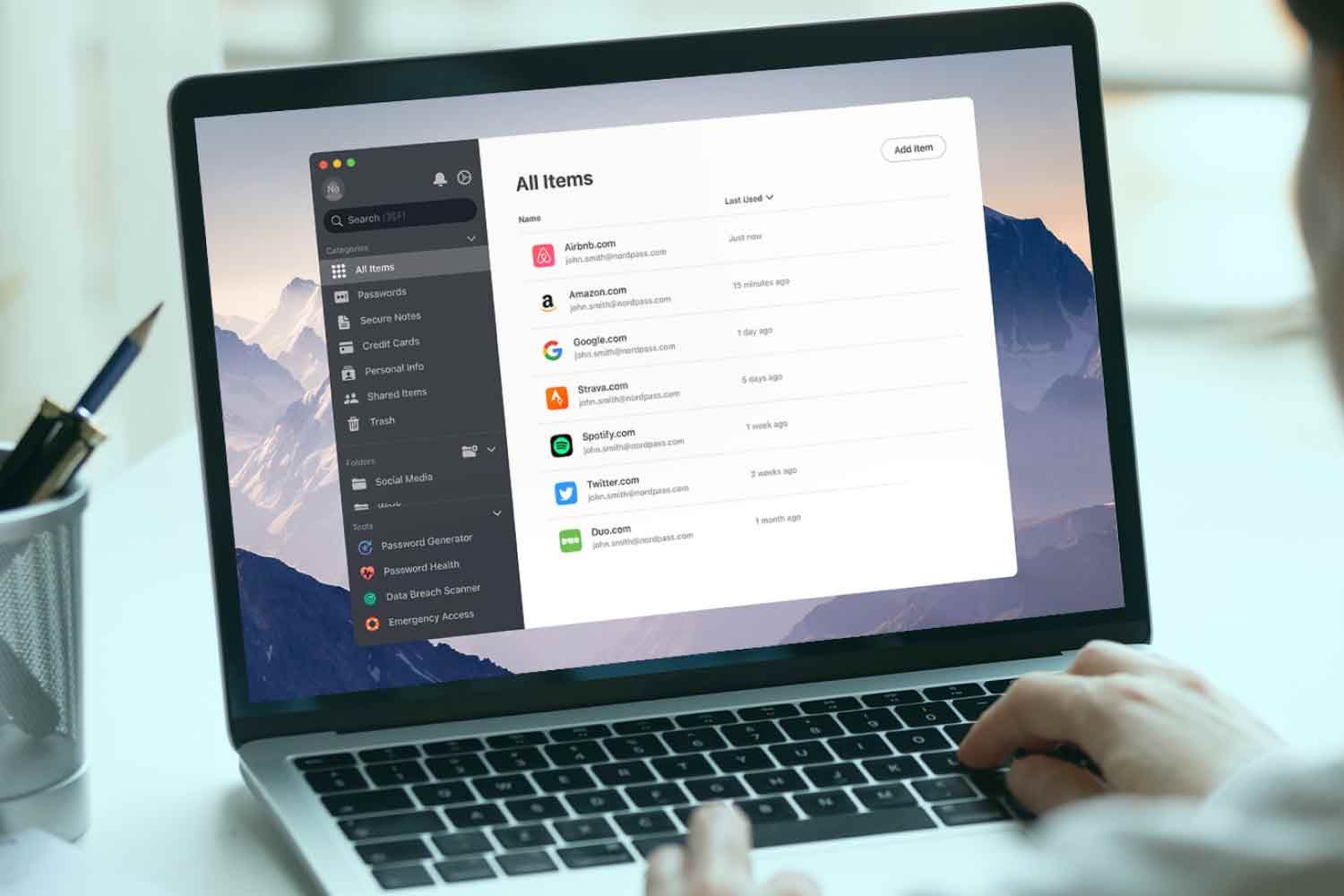
NordPass is the password manager from Nord Security, the company behind NordVPN, so pick your plan, then buy through ShopBack before you pay: ShopBack Cashback works like a discount, only easier than a promo code. Nord Security describes it as an end-to-end encrypted password manager that stores logins behind one master password and includes Password Health, which flags weak and reused passwords, with business plans adding company-wide password rules. Singapore users buy a subscription on nordpass.com and sign in across their devices. Open the ShopBack NordPass page on ShopBack Singapore before you pay for your first subscription and part of what you spend comes back as Cashback. On ShopBack Singapore, start from the NordPass page before you pay and part of what you spend at NordPass comes back to you as Cashback.
How do NordPass plans work?
NordPass sells personal and business subscriptions on nordpass.com, and the plan page there is the only reliable source for what each tier includes, the billing terms on offer and any refund window, so check it before buying. What matters on the ShopBack side is simpler: the ShopBack NordPass page states that cashback applies to a customer's first NordPass purchase only, not to subsequent purchases or renewals, so choose the plan length you actually want up front rather than planning to upgrade later.
NordPass sale calendar 2026?
Subscription software tends to discount hardest in the year-end window, so for Singapore shoppers the dates to watch are 11.11 on 11 November, Black Friday on 27 November 2026, Cyber Monday on 30 November and 12.12 on 12 December. NordPass publishes its current promotion on nordpass.com, and longer plan terms usually carry the deeper discount. Because ShopBack cashback on NordPass is a first-purchase benefit, timing that single purchase to a sale window and clicking through the ShopBack NordPass page is the whole strategy.
Does NordPass cashback apply to renewals?
The ShopBack NordPass page on ShopBack Singapore applies Cashback to a customer's first NordPass purchase. If you are new to NordPass, pick the term length you want and complete that first checkout after clicking through from ShopBack.
NordPass vs the password manager built into your browser for Singapore users?
A browser's built-in manager is free and convenient but ties your logins to that browser and its account. NordPass is a standalone, end-to-end encrypted manager that works across browsers and devices behind a single master password and surfaces weak or reused passwords through Password Health. For a household that mixes Chrome, Safari and mobile apps, the standalone route is easier to keep consistent. Only NordPass earns ShopBack cashback, on an eligible first purchase via the ShopBack NordPass page.
NordPass vs NordVPN: which do I need?
They solve different problems and both come from Nord Security. NordVPN encrypts your internet connection; NordPass stores and generates passwords. Many Singapore users end up with both, but buy them as separate subscriptions. ShopBack Singapore lists each product on its own merchant page, so click through from the ShopBack NordPass page for the password manager and see our NordVPN discounts guide for the VPN. Each purchase needs its own fresh click-through.
How do the master password and Password Health work?
NordPass locks your vault behind one master password that you choose and that Nord Security describes as the single thing you need to remember; everything inside is end-to-end encrypted. Password Health scans the vault and shows which saved passwords are weak or reused so you can replace them.
Can I keep a VPN on while buying NordPass through ShopBack?
The simple route is to open the ShopBack NordPass page on ShopBack Singapore, click through to nordpass.com and complete the purchase. Once the NordPass confirmation email arrives, your purchase is done and you can use your devices as usual.
How do I earn ShopBack cashback on NordPass?
Go through ShopBack Singapore before you pay and the Cashback tracks to your ShopBack account: click through from the ShopBack NordPass page to nordpass.com and complete your first subscription purchase on the website. Cashback covers the first purchase, and the ShopBack NordPass page shows the live rate.
Do refunds or cancellations at NordPass affect my ShopBack cashback?
The Cashback amount may be updated once NordPass confirms the transaction, and the ShopBack NordPass page shows the live rate.
Last updated: 20 Oct 2026