Crunchyroll
7% Cashback
Cashback timeline
Purchase
Tracked in
2 days
Confirmed in
65 days
Terms and exclusions
Refunds, cancellations and no-shows
Any rejected, cancelled, refunded, exchanged or returned purchases will not be eligible for Cashback.
Tracking disclaimers
- Your Cashback may be tracked at a different rate initially and adjusted to the correct rate when we confirm the transaction details.
Other terms and conditions
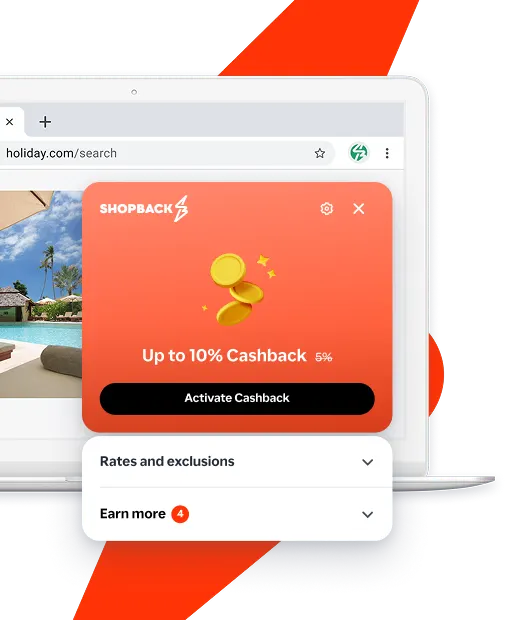
Never miss Cashback on Crunchyroll
Get instant alerts on Cashback when you shop online with the ShopBack extension.
Cashback tips
Check carefully for Cashback exclusions and caps before you buy or book to avoid disappointment. Don't forget the terms and conditions on any promotion and campaign pages.
Complete your shopping in one go: Always start from this platform to visit the store directly, for every new transaction. If your store visit is interrupted by an app update or download screen, restart your shopping from our platform.
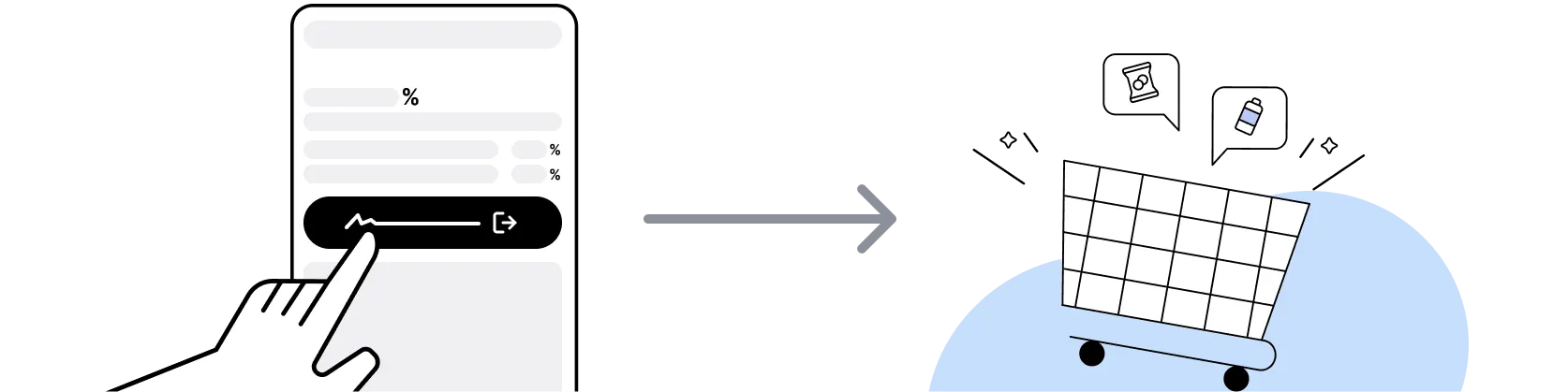
Don't click on any third party links or extensions or use VPN or adblocking software, as they could result in your Cashback not being tracked. Some examples include: Facebook ads, Google Ads, other loyalty or cashback extension links.

For Crunchyroll, you need to clear your cart, close the Crunchyroll app, open this platform to visit the Crunchyroll app or website and complete your purchase there in order to earn Cashback. You need to do this for each purchase.
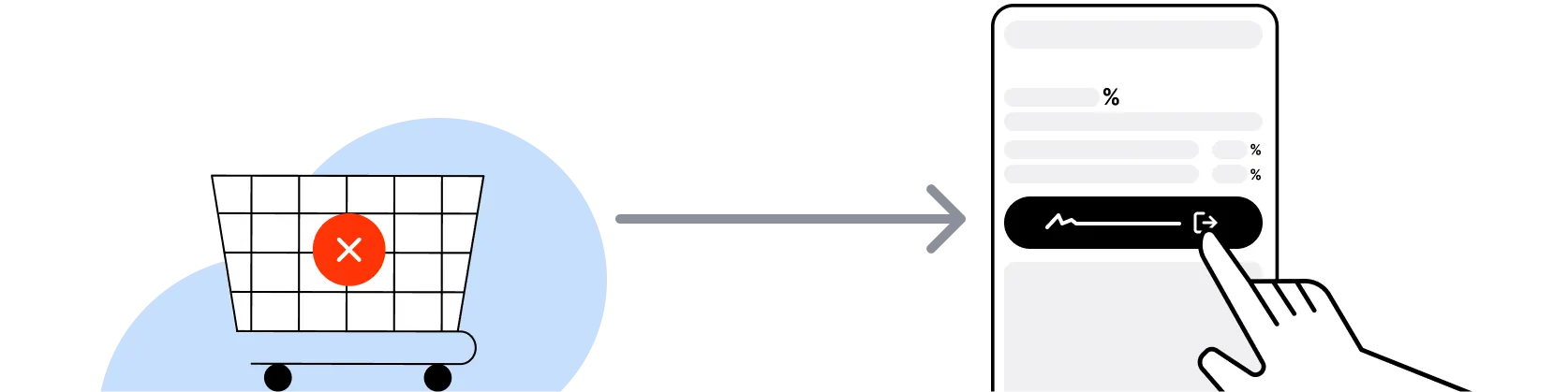
If you encounter payment errors during your purchase, you should restart your visit to the Crunchyroll from this platform to ensure that your Cashback continues to be tracked.
Crunchyroll can only confirm to us that a transaction is recorded if you accept all cookies that appear on their pages.
Shop and earn at similar stores
Crunchyroll on ShopBack
How do I get a discount on Crunchyroll?
Apply the best Crunchyroll promo code or card offer you qualify for, then go through ShopBack before you pay, where ShopBack Cashback works like a discount on the same order, only easier than a promo code. There is nothing to find or type, it does not use up your one Crunchyroll promo code, and it still lowers the price when no code is running. Part of what you pay comes back as Cashback: check the rate shown on ShopBack's Crunchyroll page before you buy.
What is Crunchyroll?
Subscribing to Crunchyroll? Pick your plan, then check out through ShopBack before you pay: ShopBack Cashback works like a discount, only easier than a promo code. Crunchyroll is an American anime streaming service launched on 14 May 2006 and headquartered in San Francisco, operated by Crunchyroll, LLC. It streams anime series and films, including simulcast episodes shortly after their Japan broadcast, through crunchyroll.com and its apps, with a paid Premium membership alongside the ad-supported experience. Singapore viewers subscribe on the website, and a Premium purchase completed after clicking through from the ShopBack Crunchyroll page earns Cashback at the current published rate.
How does Crunchyroll Premium membership work?
Crunchyroll sells Premium membership in tiers listed on crunchyroll.com/premium, and that page is the only reliable source for what each tier includes, the billing options and any trial offer, so read it before you subscribe. On the ShopBack side the mechanic is simple: ShopBack Singapore lists a single General rate category for Crunchyroll, so the same published rate applies to whichever tier you choose.
Crunchyroll sale calendar 2026?
Streaming services discount rarely, so for Singapore subscribers the practical windows are the year-end events where Crunchyroll has historically run offers: Black Friday on 27 November 2026, Cyber Monday on 30 November and the December holiday period, plus the 11.11 and 12.12 dates that ShopBack Singapore builds campaigns around. Crunchyroll publishes any current promotion on its own site. Whenever you subscribe, start from the ShopBack Crunchyroll page.
What is a Crunchyroll simulcast and does it need Premium?
A simulcast is an episode Crunchyroll streams shortly after its Japan broadcast during the season it airs. Crunchyroll positions early access to new simulcast episodes and ad-free viewing as Premium benefits, with details on crunchyroll.com/premium. For Singapore fans following a seasonal show week by week, that timing is the main reason to pay rather than wait for the free window. Subscribe via the ShopBack Crunchyroll page so the Premium purchase is tracked for Cashback.
Crunchyroll vs Netflix for anime in Singapore?
Netflix carries a curated anime catalogue alongside everything else, often releasing full seasons at once, while Crunchyroll is an anime-focused service built around simulcasts and a deep back catalogue. Our meWATCH+ vs Netflix vs Viu vs Disney+ comparison covers the general streaming choice for Singapore households. If weekly anime is the point, Crunchyroll is the specialist, and it is the one with a merchant page on ShopBack Singapore: see the ShopBack Crunchyroll page.
Crunchyroll vs a streaming bundle?
A bundle approach, which our Netflix vs Disney+ vs HBO Max streaming bundle guide walks through for Singapore, spreads one budget across general entertainment services. Crunchyroll sits outside those bundles as a dedicated anime subscription, so the question is whether the simulcast catalogue justifies its own line item. If it does, make the sign-up count by clicking through from the ShopBack Crunchyroll page before paying.
Should I subscribe on the Crunchyroll website or in the app?
Subscribe on the crunchyroll.com website after clicking through from the Crunchyroll page on ShopBack Singapore. App store billing goes through Apple or Google rather than Crunchyroll, so start the purchase from ShopBack in the browser. Once the subscription is active you can watch in the Crunchyroll app on your phone, tablet or TV; only the purchase itself happens in the visit that started on ShopBack.
Is Crunchyroll available in Singapore and billed locally?
Crunchyroll serves Singapore through crunchyroll.com, and ShopBack Singapore links to that domain. The currency and payment methods shown at checkout are set by Crunchyroll for the Singapore region, so confirm the billed amount on the payment page. Start from the ShopBack Crunchyroll page.
How do I earn ShopBack Cashback on Crunchyroll?
Go through ShopBack Singapore before you pay and the Cashback tracks to your ShopBack account. Click through from the ShopBack Crunchyroll page to crunchyroll.com and complete the Premium sign-up on the website in that visit. The current Cashback is shown on the ShopBack Crunchyroll page before you buy.
Do refunds or cancellations at Crunchyroll affect my ShopBack Cashback?
Crunchyroll's own refund and cancellation terms apply to a Premium subscription, including during any trial or refund period it offers. The Crunchyroll page on ShopBack Singapore shows the current Cashback before you buy.
Last updated: 19 Oct 2026