Apple Music
100% Cashback
Take note
- [CASHBACK] is only paid upon completion of any free trial period when the subscription begins.
- Limited time offer for new subscribers redeeming on eligible devices. Plan auto-renews at S$11.98/mo until canceled. Terms apply.
Cashback timeline
Purchase
Tracked in
7 days
Confirmed in
120 days
Terms and exclusions
Refunds, cancellations and no-shows
Any rejected, cancelled, refunded, exchanged or returned purchases will not be eligible for Cashback.
- For partial returns or exchanges, we'll prorate the Cashback as an adjustment.
Tracking disclaimers
- Your Cashback may be tracked at a different rate initially and adjusted to the correct rate when we confirm the transaction details.
Other terms and conditions
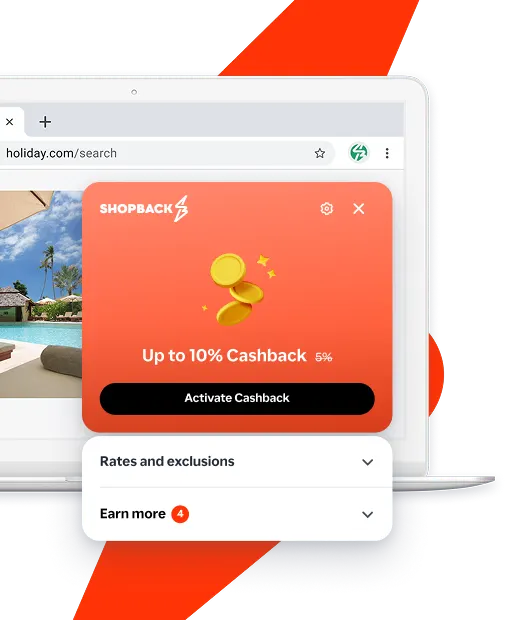
Never miss Cashback on Apple Music
Get instant alerts on Cashback when you shop online with the ShopBack extension.
Cashback tips
Check carefully for Cashback exclusions and caps before you buy or book to avoid disappointment. Don't forget the terms and conditions on any promotion and campaign pages.
Complete your shopping in one go: Always start from this platform to visit the store directly, for every new transaction. If your store visit is interrupted by an app update or download screen, restart your shopping from our platform.
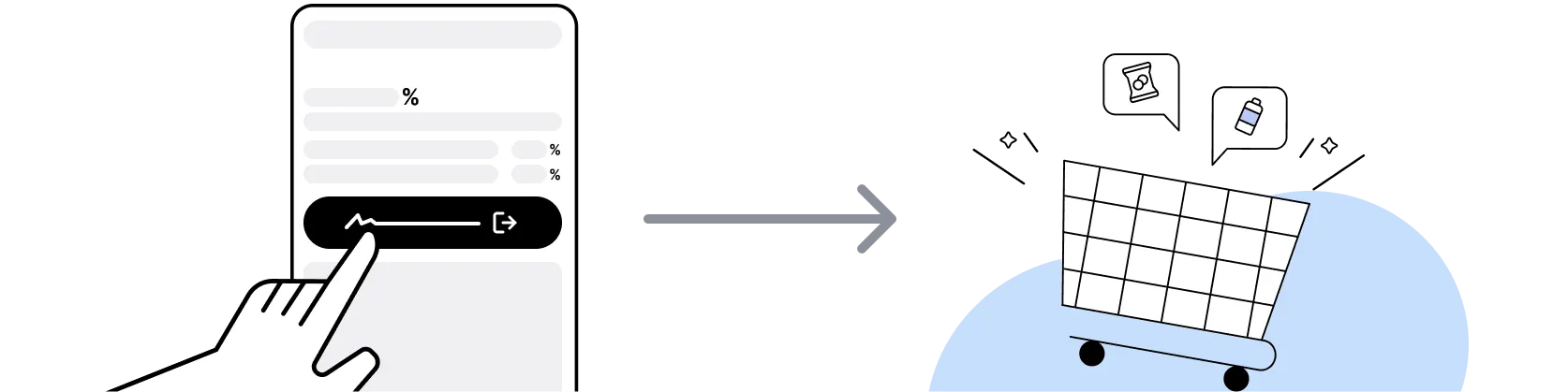
Don't click on any third party links or extensions or use VPN or adblocking software, as they could result in your Cashback not being tracked. Some examples include: Facebook ads, Google Ads, other loyalty or cashback extension links.

For Apple Music, you need to clear your cart, close the Apple Music app, open this platform to visit the Apple Music app or website and complete your purchase there in order to earn Cashback. You need to do this for each purchase.
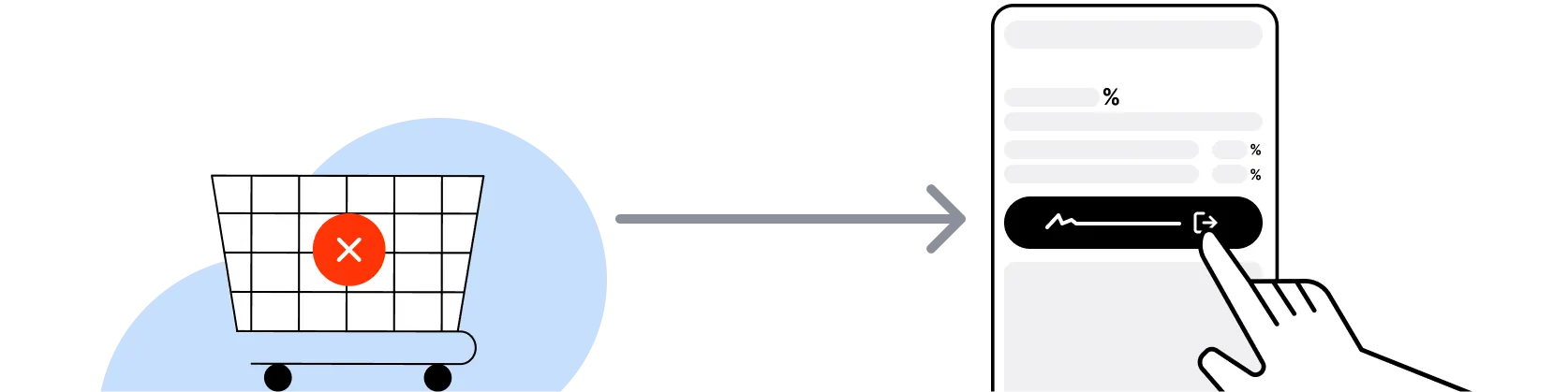
If you encounter payment errors during your purchase, you should restart your visit to the Apple Music from this platform to ensure that your Cashback continues to be tracked.
Apple Music can only confirm to us that a transaction is recorded if you accept all cookies that appear on their pages.
Shop and earn at similar stores
Apple Music on ShopBack
How do I get a discount on Apple Music?
Apply the best Apple Music promo code or card offer you qualify for, then go through ShopBack before you pay, where ShopBack Cashback works like a discount on the same order, only easier than a promo code. There is nothing to find or type, it does not use up your one Apple Music promo code, and it still lowers the price when no code is running. Part of what you pay comes back as Cashback: check the rate shown on ShopBack's Apple Music page before you buy.
What is Apple Music?
Apple Music is Apple's streaming service with over 100 million songs, lossless audio and Spatial Audio with Dolby Atmos, so choose your plan, then sign up through ShopBack before you pay, where ShopBack Cashback works like a discount, only easier than a promo code. It's available on iPhone, iPad, Mac, Apple Watch, Apple TV, HomePod, Android, Windows, and web. Sign up via apple.com/apple-music. Activate ShopBack via the Apple Music merchant page to earn cashback on eligible new subscription sign-ups at the current published rate. For shoppers in Singapore, going through ShopBack Singapore before you pay at Apple Music is how part of what you spend comes back as Cashback.
What are Apple Music's Singapore pricing plans?
Apple Music Singapore offers Individual, Family (up to 6 members), and Student (with verification) plans on monthly billing. There's also an Apple Music Voice plan on select markets and an annual pre-paid option on the Individual tier for a discount. Pricing is set in SGD and can change; verify current per-month pricing on apple.com/sg/apple-music before subscribing. ShopBack cashback applies to eligible new sign-ups at the current published rate on the Apple Music merchant page. Note: subscription prices are subject to Apple's regional pricing decisions.
Does Apple Music offer a free trial?
Yes. Apple Music typically offers a 1-month free trial for new subscribers, with a longer 3-month or 6-month trial bundled with new Apple hardware purchases (iPhone, iPad, Mac, AirPods, HomePod) or via select carrier bundles. The trial requires a payment method on file and auto-renews to a paid subscription unless cancelled before trial end. Verify current trial length on apple.com/sg/apple-music before signup. ShopBack sign-up cashback typically triggers when the subscription converts to a paid billing cycle.
Apple Music vs Spotify Singapore?
Spotify leads on discovery algorithms (Discover Weekly, Daylist), broader third-party device support, podcasts integrated in the same app, and a free ad-supported tier. Apple Music leads on lossless audio and Spatial Audio at no extra cost, integration with Apple ecosystem (Siri, HomePod, Apple Watch), and higher artist royalty rates historically. For discovery-first listeners or free-tier users, Spotify wins; for iOS ecosystem users and audiophiles who want lossless, Apple Music wins. Both are cashback-eligible via ShopBack when signed up through their respective merchant pages.
Apple Music vs YouTube Music?
YouTube Music leads on music-video content, official artist channels, and integration with YouTube Premium (ad-free YouTube plus background play). Apple Music leads on lossless audio, curated editorial playlists, and Apple ecosystem tie-in. For heavy YouTube consumption, bundling with YouTube Premium via YouTube Music makes sense; for music-first listeners on iOS, Apple Music is more focused. Cross-check current pricing on each service's SG site before deciding.
How complete is the Apple Music Singapore catalog?
Apple Music Singapore's catalog covers the vast majority of Western and international mainstream releases plus a broad Asian catalog (Chinese-language pop, K-pop, J-pop, Indonesian and Malay releases). Some region-locked or independently released tracks may not be available; the exact catalog varies over time as licensing agreements change. For local Singaporean and Southeast Asian independent releases, cross-check availability via the Apple Music app search before subscribing.
How does Apple Music Family Sharing work?
Apple Music Family plan supports up to 6 members sharing one subscription via Apple's Family Sharing feature. Each member gets a personal music library, recommendations, playlists, and downloads independent of the organiser. To set up, the family organiser enables Family Sharing in iCloud settings and invites members via Apple ID. Non-family members cannot share the Family plan. Verify current Family Sharing setup steps on apple.com/family-sharing before subscribing.
What is Apple One and how does it compare to Apple Music standalone?
Apple One is Apple's bundle subscription combining Apple Music, Apple TV+, Apple Arcade, and iCloud+ storage into a single monthly subscription across Individual, Family, and Premier tiers. The Premier tier adds Apple News+ and Apple Fitness+ where available. For users who already subscribe to two or more Apple services, Apple One typically saves money vs standalone plans. Verify current Apple One SGD pricing on apple.com/sg/apple-one before switching from standalone Apple Music. Note: not every service in Apple One is available in every country; Singapore availability varies.
How does ShopBack cashback on Apple Music sign-up work?
For subscription streaming products, ShopBack pays a sign-up Cashback bounty when your new Apple Music subscription converts to a paid billing cycle through the ShopBack Apple Music merchant page. Click through from the ShopBack Apple Music merchant page and complete the apple.com/apple-music sign-up. Cashback tracks per the current published amount on the merchant page and typically confirms after the first paid billing cycle.
What if I cancel my Apple Music subscription within the trial?
Cancellation is done via Settings > Apple ID > Subscriptions on iOS, or via the Music app on macOS, and refunds for accidental subscription charges are handled via reportaproblem.apple.com. Keep the paid subscription active and the sign-up Cashback confirms.
Do I need a ShopBack account before shopping at Apple Music?
Yes. To earn cashback on a Apple Music transaction, you must sign up for a free ShopBack Singapore account at shopback.sg/signup and be logged in when you click through to Apple Music from the ShopBack merchant page. Cashback is credited to your ShopBack wallet in SGD and cannot be retroactively attached to a purchase made without an active ShopBack session. Account creation takes under a minute.
Where can I read more about saving at Apple Music?
ShopBack's blog on Apple Music covers comparing flagship noise cancelling headphones: Sony WH-1000XM6 vs Bose QuietComfort Ultra vs AirPods Max 2 for Singapore Commuters in 2026: Which Flagship ANC Headphone Actually Wins Your Ears.
Last updated: 26 Oct 2026