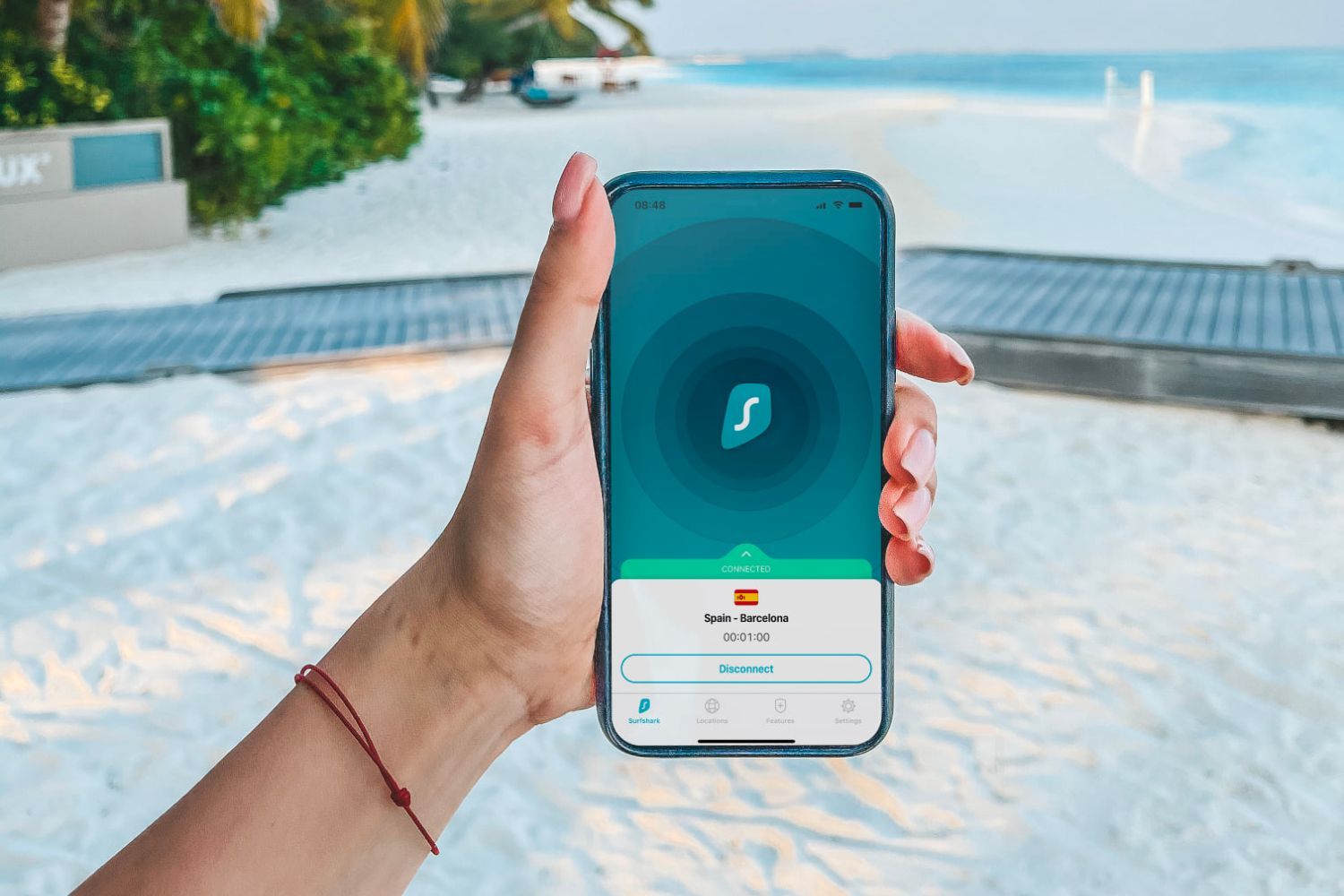

Surfshark VPN

Take note
- Cashback will initially be tracked at a higher percentage and will be adjusted accordingly once the cashback amount is confirmed.
Cashback timeline
Purchase
Tracked in
2 days
Confirmed in
75 days
Terms and exclusions
Refunds, cancellations and no-shows
Any rejected, cancelled, refunded, exchanged or returned purchases will not be eligible for Cashback.
Tracking disclaimers
- Exchange rates may cause small changes to your purchase total and Cashback from some foreign stores.
Other terms and conditions
Surfshark VPN terms and conditions
- Cashback is only valid for New Surfshark Customers
- Due to currency fluctuations, discrepancies may apply to the cashback amount you receive. Please note that the purchase amount ShopBack receives is not what your bank charges you, but what Surfshark reports back to us in SGD
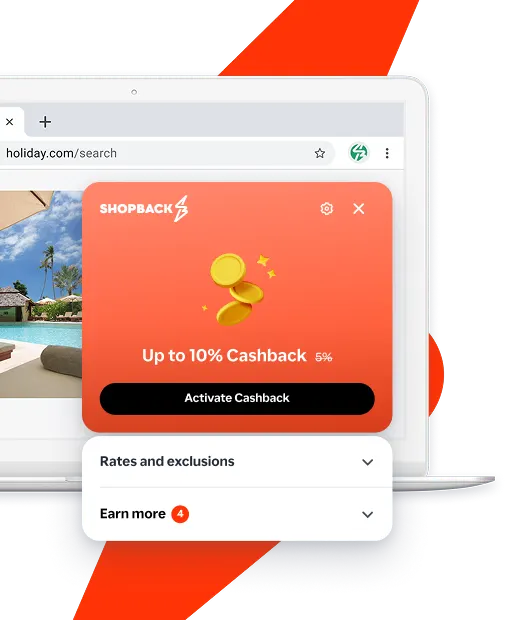
Never miss Cashback on Surfshark VPN
Get instant alerts on Cashback when you shop online with the ShopBack extension.
Cashback tips
Complete your shopping in one go: Always start from this platform to visit the store directly, for every new transaction. If your store visit is interrupted by an app update or download screen, restart your shopping from our platform.
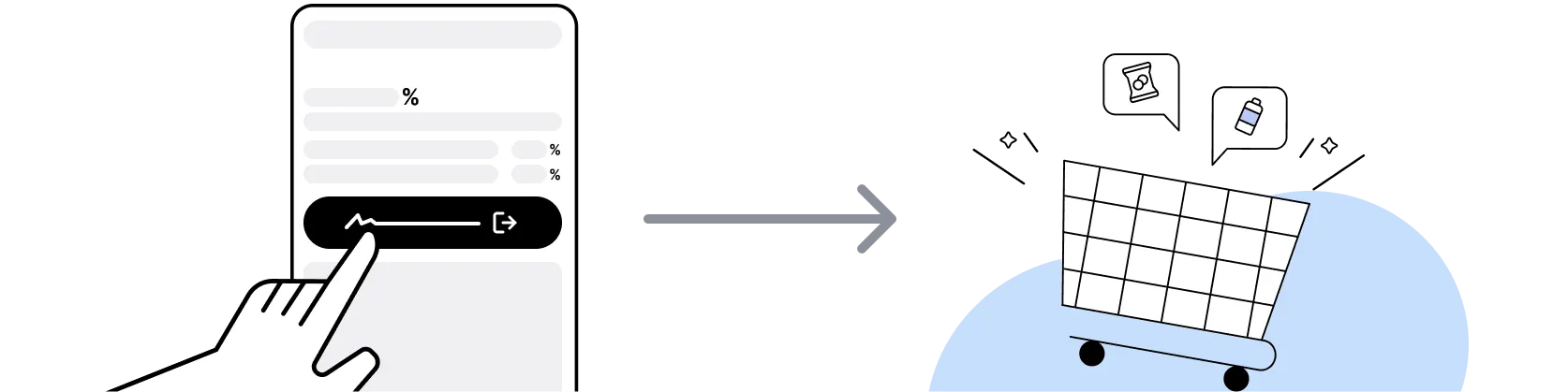
Don't click on any third party links or extensions or use VPN or adblocking software, as they could result in your Cashback not being tracked. Some examples include: Facebook ads, Google Ads, other loyalty or cashback extension links.

If you encounter payment errors during your purchase, you should restart your visit to the Surfshark VPN from this platform to ensure that your Cashback continues to be tracked.
Shop and earn at similar stores
Surfshark VPN Singapore on ShopBack
How do I get a discount on Surfshark VPN?
Apply the best Surfshark VPN promo code or card offer you qualify for, then go through ShopBack before you pay, where ShopBack Cashback works like a discount on the same order, only easier than a promo code. There is nothing to find or type, it does not use up your one Surfshark VPN promo code, and it still lowers the price when no code is running. Part of what you pay comes back as Cashback: check the rate shown on ShopBack's Surfshark VPN page before you buy.
What Surfshark plan tiers are available for Singapore subscribers?
Surfshark sells three main tiers (Starter, One and One Plus), so pick your tier, then buy through ShopBack before you pay, where ShopBack Cashback works like a discount, only easier than a promo code. Starter is VPN only, One adds Antivirus, Alert, and Search, and One Plus adds data-removal service Incogni. Longer commitment terms usually carry the lowest monthly-equivalent price. On ShopBack Singapore, start from the Surfshark Vpn page before you pay and part of what you spend at Surfshark Vpn comes back to you as Cashback.
How many devices can I use on one Surfshark account?
Surfshark permits unlimited simultaneous connections on a single account, which is a differentiator against most VPN peers who cap at five to ten devices.
Does Surfshark work in Singapore?
Yes. Singapore is a supported region and Surfshark operates servers in Singapore itself, so local users can either route through home or connect to a wide catalogue of countries.
What is Surfshark's refund window?
Surfshark advertises a 30 day money back guarantee on new subscriptions. Check current terms on surfshark.com before committing to a longer term.
Is Surfshark a no-logs VPN?
Surfshark publishes a strict no-logs policy and has commissioned independent audits of that policy. Since the 2022 merger with Nord Security, the corporate structure sits under a Dutch holding company, so subscribers who weight jurisdiction should check the most recent Surfshark transparency report and audit before signing up.
Which operating systems and browsers does Surfshark support?
Native apps ship for Windows, macOS, Linux, iOS, and Android, plus browser extensions for Chrome, Firefox, and Edge. Router and smart-TV configurations are documented on the support site.
What extras come with the One and One Plus bundles?
One adds Surfshark Antivirus, the Alert breach-monitor, and an anonymised search product. One Plus layers in Incogni, a personal-data removal service that files opt-out requests against data brokers on the subscriber's behalf.
How do I pay for Surfshark from Singapore?
Surfshark accepts major international credit and debit cards, PayPal, Google Pay, Apple Pay, and cryptocurrency at checkout. Prices are usually quoted in USD or EUR.
Can I split-tunnel or route specific apps outside the VPN?
Yes. Surfshark's Bypasser feature on Windows and Android lets subscribers whitelist specific apps or URLs to bypass the tunnel, which is useful for local banking apps that block VPN traffic.
When does Surfshark run its biggest sales?
The deepest annual discounts typically land around Black Friday and Cyber Monday in late November, with secondary waves at year-end, back-to-school in August, and anniversary promotions. Multi-year plans are the entry point for the largest headline savings.
How does ShopBack Cashback work on Surfshark?
Go through ShopBack Singapore before you pay and the Cashback tracks to your ShopBack account.
Are renewals eligible for Cashback?
With VPN services, Cashback through ShopBack Singapore usually covers new subscriptions rather than auto-renewals. The current Cashback is shown on the Surfshark page on ShopBack.
Why click through ShopBack instead of going direct?
During Black Friday, the sale price is what you pay at checkout. Going through ShopBack before you pay is an essential step, and part of what you spend comes back as Cashback. Check the rate shown on ShopBack's Surfshark page before you buy.
Do I need a Surfshark account to earn ShopBack Cashback?
Yes. Surfshark checkout requires you to create a Surfshark account (email plus password) so the subscription can be tied to your login and installed across your devices. Go through ShopBack Singapore from the Surfshark page before you pay, register at checkout and finish payment.
When does Surfshark Cashback typically post to my ShopBack Singapore account?
Surfshark subscriptions purchased via ShopBack Singapore typically show as pending within about 48 hours of a successful click-through and checkout. Pending Cashback converts to confirmed roughly 90 days after purchase, once Surfshark's 30-day refund window and the merchant's confirmation period close. Refunded subscriptions do not qualify.
Last updated: 27 Oct 2026