PureVPN
12% Cashback
Cashback timeline
Purchase
Tracked in
2 days
Confirmed in
60 days
Terms and exclusions
Refunds, cancellations and no-shows
Any rejected, cancelled, refunded, exchanged or returned purchases will not be eligible for Cashback.
- For partial returns or exchanges, we'll prorate the Cashback as an adjustment.
Tracking disclaimers
- Your Cashback may be tracked at a different rate initially and adjusted to the correct rate when we confirm the transaction details.
Other terms and conditions
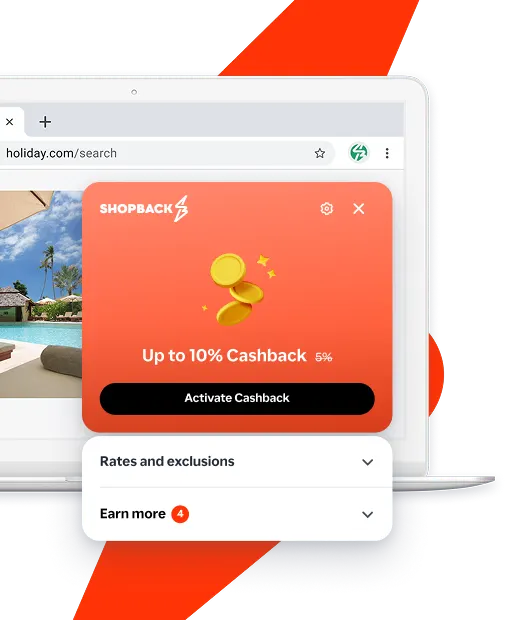
Never miss Cashback on PureVPN
Get instant alerts on Cashback when you shop online with the ShopBack extension.
Cashback tips
Check carefully for Cashback exclusions and caps before you buy or book to avoid disappointment. Don't forget the terms and conditions on any promotion and campaign pages.
Complete your shopping in one go: Always start from this platform to visit the store directly, for every new transaction. If your store visit is interrupted by an app update or download screen, restart your shopping from our platform.
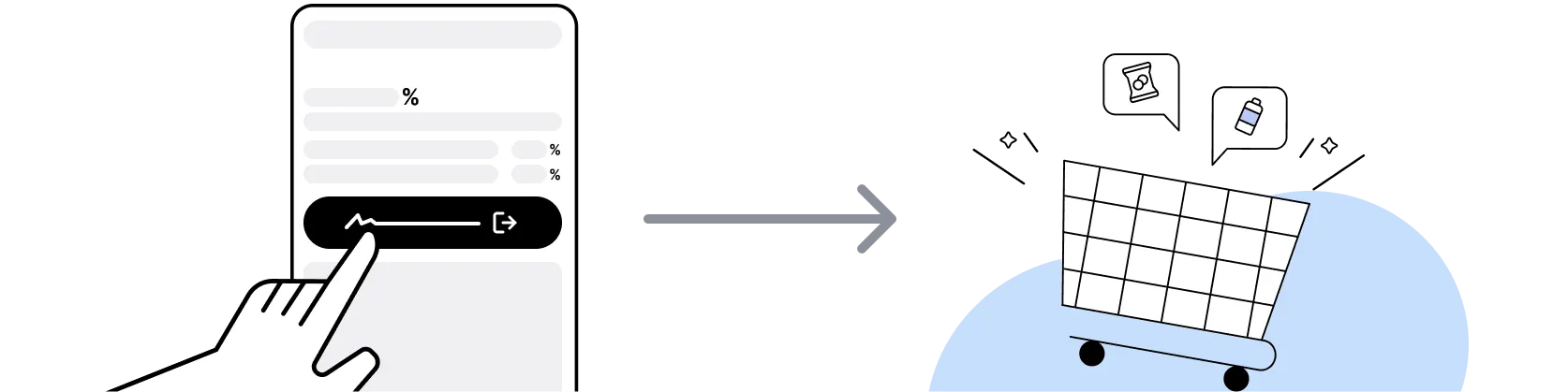
Don't click on any third party links or extensions or use VPN or adblocking software, as they could result in your Cashback not being tracked. Some examples include: Facebook ads, Google Ads, other loyalty or cashback extension links.

For PureVPN, you need to clear your cart, close the PureVPN app, open this platform to visit the PureVPN app or website and complete your purchase there in order to earn Cashback. You need to do this for each purchase.
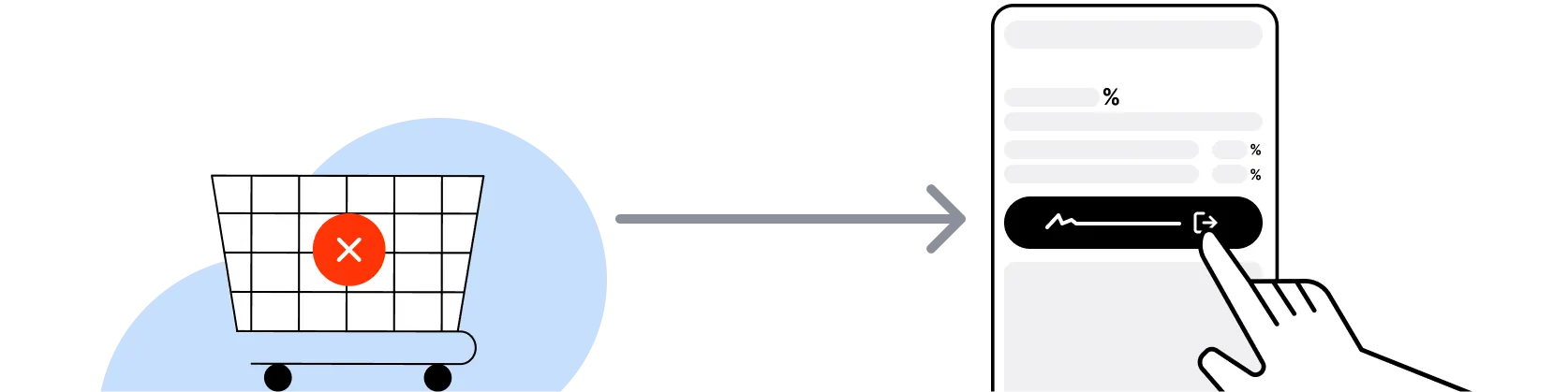
If you encounter payment errors during your purchase, you should restart your visit to the PureVPN from this platform to ensure that your Cashback continues to be tracked.
PureVPN can only confirm to us that a transaction is recorded if you accept all cookies that appear on their pages.
Shop and earn at similar stores
PureVPN on ShopBack
How do I get a discount on PureVPN?
Apply the best PureVPN promo code or card offer you qualify for, then go through ShopBack before you pay, where ShopBack Cashback works like a discount on the same order, only easier than a promo code. There is nothing to find or type, it does not use up your one PureVPN promo code, and it still lowers the price when no code is running. Part of what you pay comes back as Cashback: check the rate shown on ShopBack's PureVPN page before you buy.
What is PureVPN?
PureVPN is a VPN service operating since 2006, so pick your plan, then sign up through ShopBack before you pay, where ShopBack Cashback works like a discount, only easier than a promo code. It encrypts your connection and routes it through one of more than 6,000 servers in 80 or more locations, including Singapore, with one account covering up to 10 simultaneous logins. Apps run on Windows, Mac, Android, iOS, Apple TV, Linux, Fire Stick, browsers and routers, and higher tiers bundle a tracker blocker, password manager, dark web monitoring and data removal. Singapore shoppers who subscribe at purevpn.com after clicking through from the ShopBack PureVPN page earn cashback at the current published rate. On ShopBack Singapore, start from the PureVPN page before you pay and part of what you spend at PureVPN comes back to you as Cashback.
How do PureVPN Standard, Plus and Max plans differ?
PureVPN sells three tiers: Standard, Plus and Max. Standard is the VPN itself with split tunnelling, kill switch, AES 256-bit encryption and obfuscation servers. Plus and Max add more security tools, and Max is the full bundle with tracker blocker, password manager, dark web monitoring, data removal and a 3GB travel eSIM. Inclusions change with promotions, so check the What's Included list on the order page before paying. ShopBack cashback tracks on whichever tier you buy, so choose for the tools you will use. For a deeper look, see Netflix vs Disney+ vs HBO Max SG 2026.
How does PureVPN billing work on 1-year and 2-year plans?
PureVPN charges the full term upfront. At the time of writing the 2-year plan bills once for 27 months of access and then auto-renews annually at the standard yearly price, the 1-year plan bills for 16 months and also renews annually, and the monthly plan renews at the standard monthly price. Promotional pricing applies only to the first term. Auto-renewal can be cancelled any time before the renewal date by emailing [email protected], so set a reminder.
How does the PureVPN 31-day money-back guarantee work?
PureVPN offers a 31-day refund window on the initial purchase of a paid plan. Email [email protected] with your VPN username and the reason; PureVPN first tries to fix the issue, then processes a valid refund within 24 hours, with the money taking up to 30 days to reach your card. The guarantee excludes renewal payments, trial-based renewals, and purchases through Google Play, the Apple App Store or Coinpayments.
PureVPN vs NordVPN for Singapore users?
Both have Singapore ShopBack merchant pages. PureVPN advertises 6,000+ servers in 80+ locations, 10 simultaneous logins and a 31-day refund window, with the Max tier bundling a password manager, dark web monitoring and a travel eSIM. NordVPN offers a 30-day money-back guarantee on plans bought on its own website, around 10 device connections per account, an audited no-logs policy and extras such as Double VPN. Compare the current published cashback on the ShopBack PureVPN and ShopBack NordVPN pages, then decide on refund window and the extras you will actually use.
PureVPN vs Surfshark for a Singapore household?
Surfshark allows unlimited simultaneous connections on one account, while PureVPN caps a standard account at 10 logins and sells a separate Family Plan for more. For a flat with several people and many devices, that unlimited device policy is the structural difference. PureVPN counters with its 31-day refund window and bundled extras on the Max tier.
Does PureVPN have a free trial?
PureVPN runs a 7-day trial with full access to the plan you select at sign-up. The trial converts automatically into a paid subscription after 7 days and PureVPN states that trial-based renewals are non-refundable, so cancel or switch off auto-renew before it ends if you do not want to continue. For a Singapore shopper, buying a plan through the ShopBack PureVPN page and relying on the 31-day refund window is cleaner: the window is longer than the trial and the purchase is cashback-eligible.
Does PureVPN have Singapore servers and work for travel from Singapore?
Yes. Singapore is one of the server locations PureVPN lists, so you can connect to a local server for a Singapore IP address when overseas and want banking or streaming apps to see you as at home. From Singapore you can connect to Japan, Australia, the UK, the US and other locations in the 80+ list. Split tunnelling lets you route only selected apps through the VPN and leave local services on your normal connection.
How do I earn ShopBack cashback on PureVPN?
Go through ShopBack Singapore before you pay and the Cashback tracks to your ShopBack account. Start on the ShopBack PureVPN merchant page, then pay on purevpn.com rather than through an app store.
Do refunds or cancellations at PureVPN affect my ShopBack cashback?
Renewal payments are not new ShopBack transactions, so Cashback applies to the first payment.
Last updated: 20 Oct 2026