Parallels
Up to 10% Cashback
Parallels Access
10%
Default Tier
7.5%
Non Commissionable Items
0%
Cashback timeline
Purchase
Tracked in
2 days
Confirmed in
60 days
Terms and exclusions
Refunds, cancellations and no-shows
Any rejected, cancelled, refunded, exchanged or returned purchases will not be eligible for Cashback.
- For partial returns or exchanges, we'll prorate the Cashback as an adjustment.
Tracking disclaimers
- Your Cashback may be tracked at a different rate initially and adjusted to the correct rate when we confirm the transaction details.
Other terms and conditions
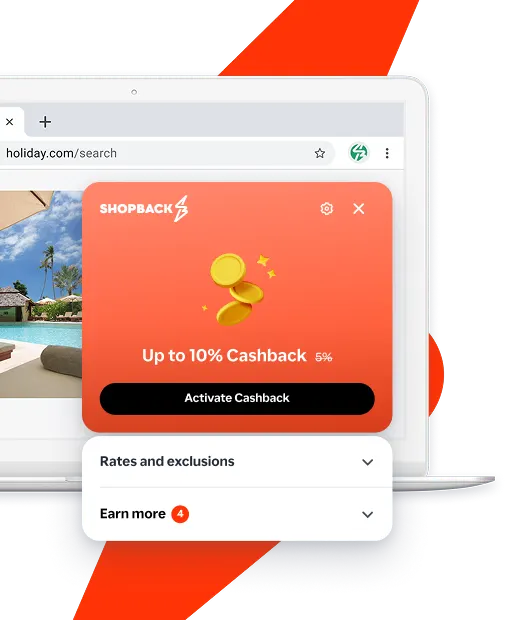
Never miss Cashback on Parallels
Get instant alerts on Cashback when you shop online with the ShopBack extension.
Cashback tips
Check carefully for Cashback exclusions and caps before you buy or book to avoid disappointment. Don't forget the terms and conditions on any promotion and campaign pages.
Complete your shopping in one go: Always start from this platform to visit the store directly, for every new transaction. If your store visit is interrupted by an app update or download screen, restart your shopping from our platform.
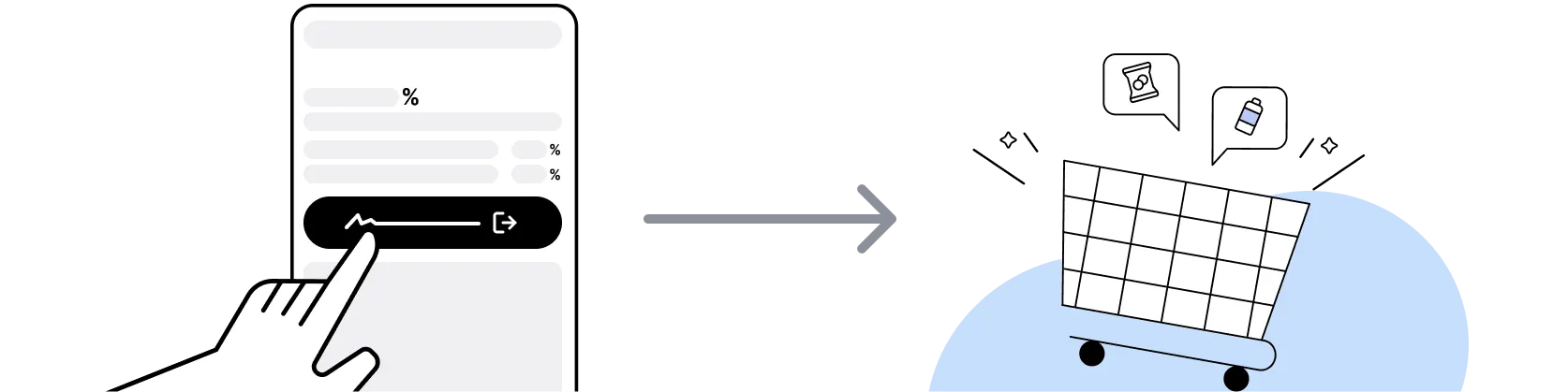
Don't click on any third party links or extensions or use VPN or adblocking software, as they could result in your Cashback not being tracked. Some examples include: Facebook ads, Google Ads, other loyalty or cashback extension links.

For Parallels, you need to clear your cart, close the Parallels app, open this platform to visit the Parallels app or website and complete your purchase there in order to earn Cashback. You need to do this for each purchase.
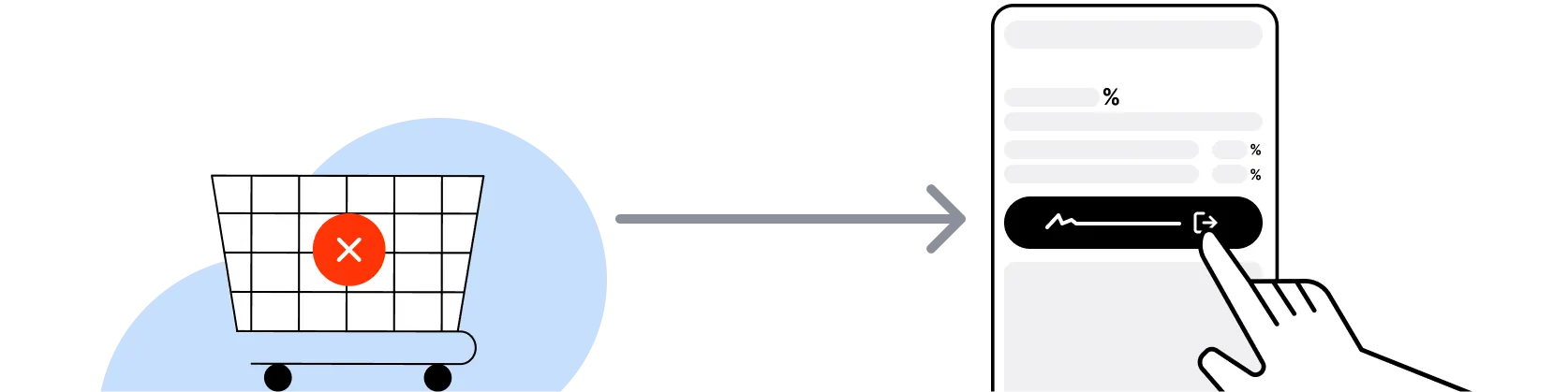
If you encounter payment errors during your purchase, you should restart your visit to the Parallels from this platform to ensure that your Cashback continues to be tracked.
Parallels can only confirm to us that a transaction is recorded if you accept all cookies that appear on their pages.
Shop and earn at similar stores
Parallels on ShopBack
What is Parallels?
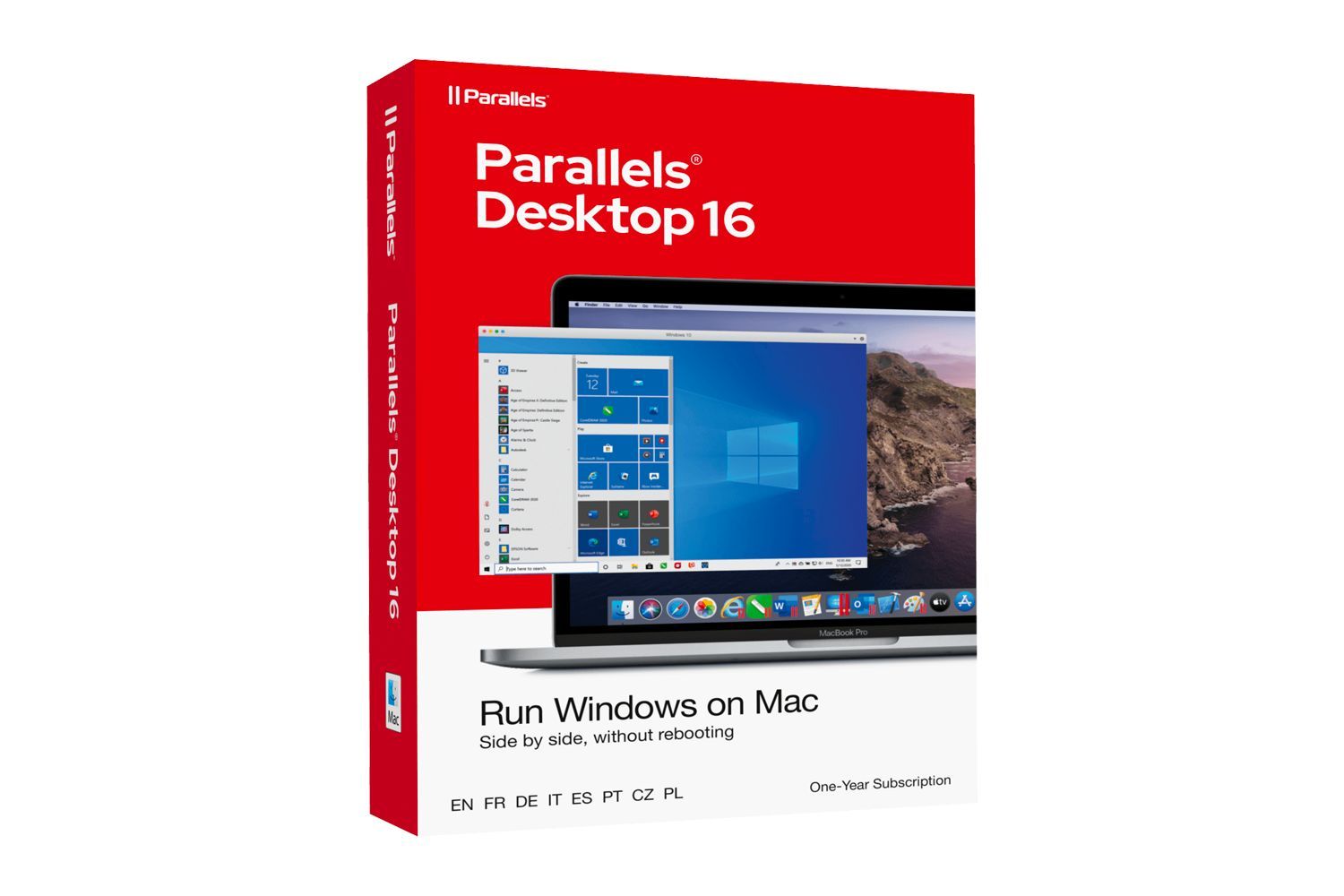
Parallels, founded in 1999, makes Parallels Desktop for Mac, which runs Windows and Linux in a virtual machine, so pick your plan, then buy through ShopBack before you pay, where ShopBack Cashback works like a discount, only easier than a promo code. It is the solution Microsoft authorises to run the Arm version of Windows 11 on Apple silicon. The company also sells Parallels Toolbox, Parallels Access for remote access, and Parallels RAS for businesses. Singapore shoppers who buy at parallels.com after clicking through from the ShopBack Parallels page earn cashback on the purchase at the current published rate. For shoppers in Singapore, going through ShopBack Singapore before you pay at Parallels is how part of what you spend comes back as Cashback.
How do Parallels Desktop Standard, Pro and Business editions differ?
Standard Edition is for home and everyday use, with virtual machines capped at 8 GB of vRAM and 4 vCPUs, and is sold as a yearly subscription or a one-time purchase. Pro Edition is subscription only and adds far higher limits (128 GB vRAM and 32 vCPUs per VM on Intel Macs, 62 GB and 18 vCPUs on Apple silicon), a command line interface, a Visual Studio plug-in and Vagrant integration for developers. Business Edition adds centralised administration, volume licence management and CI/CD automation for teams. All three carry the 30-day money-back guarantee, and all three are cashback-eligible when bought through the ShopBack Parallels page.
Should I buy a Parallels Desktop subscription or a one-time licence?
Only Standard Edition offers a one-time purchase. It covers the current version only, Parallels does not guarantee compatibility with future macOS releases, and phone and email support runs for 30 days, after which owners can buy a discounted upgrade to the next version. The subscription renews yearly, includes free upgrades to new versions and unlimited support. If you upgrade macOS yearly, the subscription usually wins; if you keep one Mac on one macOS for years, the perpetual licence can be cheaper. ShopBack cashback applies to either purchase type on the first payment through the ShopBack click.
How does the Parallels 30-day money-back guarantee work?
Every Parallels Desktop purchase on parallels.com, including student purchases, comes with a 30-day money-back guarantee. You request the refund through Parallels support within 30 days of purchase and the licence is cancelled. There is also a free trial on the product page, so most people can test compatibility with their Windows apps before paying.
Is there a Parallels student or educator discount in Singapore?
Yes. Parallels sells discounted Standard and Pro Edition subscriptions to current students and educators through the Students tab on its buy page, with the same 30-day money-back guarantee. The discount is applied on parallels.com after eligibility is verified.
Parallels Desktop Standard vs Pro: which does a Singapore home user need?
Standard is enough if you run Microsoft Office with Windows-only Excel add-ons, accounting software such as MYOB or QuickBooks, or Windows-exclusive games on a modern Mac, because its 8 GB vRAM and 4 vCPU limits suit one virtual machine at a time. Pro is for people who run multiple VMs, graphics-heavy Windows apps or development workflows, and need the command line, Visual Studio plug-in or Vagrant support. Pro costs more and is subscription only. Both are cashback-eligible through the ShopBack Parallels page, so pay for Pro only if you will hit the Standard limits.
Parallels Desktop vs Parallels RAS: which product is on ShopBack?
Parallels Desktop is the consumer and small business product that runs Windows on an individual Mac. Parallels RAS (Remote Application Server) is an enterprise product that publishes virtual apps and desktops to many users and is priced per concurrent user through sales and partners. The ShopBack Parallels merchant page covers purchases made in the parallels.com online store, which is where Desktop, Toolbox and Access are sold. The ShopBack listing also shows Parallels Access as a separate cashback tier, so check the tier that matches your product before buying.
Does Parallels Desktop run Windows 11 on an M-series Mac in Singapore?
Yes. Parallels Desktop downloads, installs and configures the Arm version of Windows 11 on Apple silicon Macs in a couple of clicks, and it is the only solution Microsoft authorises for this. Windows apps run side by side with macOS apps, share the clipboard and files, and can use the Mac camera, microphone, printers and USB devices. The Mac and the Parallels licence are separate purchases; only the licence bought at parallels.com earns cashback through the ShopBack Parallels page.
How do I earn ShopBack cashback on Parallels?
Go through ShopBack Singapore before you pay and the Cashback tracks to your ShopBack account: start on the ShopBack Parallels page, check the live rate and which tier applies to your product, then click through to parallels.com and complete checkout.
Do refunds at Parallels affect my ShopBack cashback?
Renewal payments in later years are not new ShopBack Singapore transactions; to earn Cashback on a renewal, place it as a new order after going through ShopBack.
Last updated: 20 Oct 2026