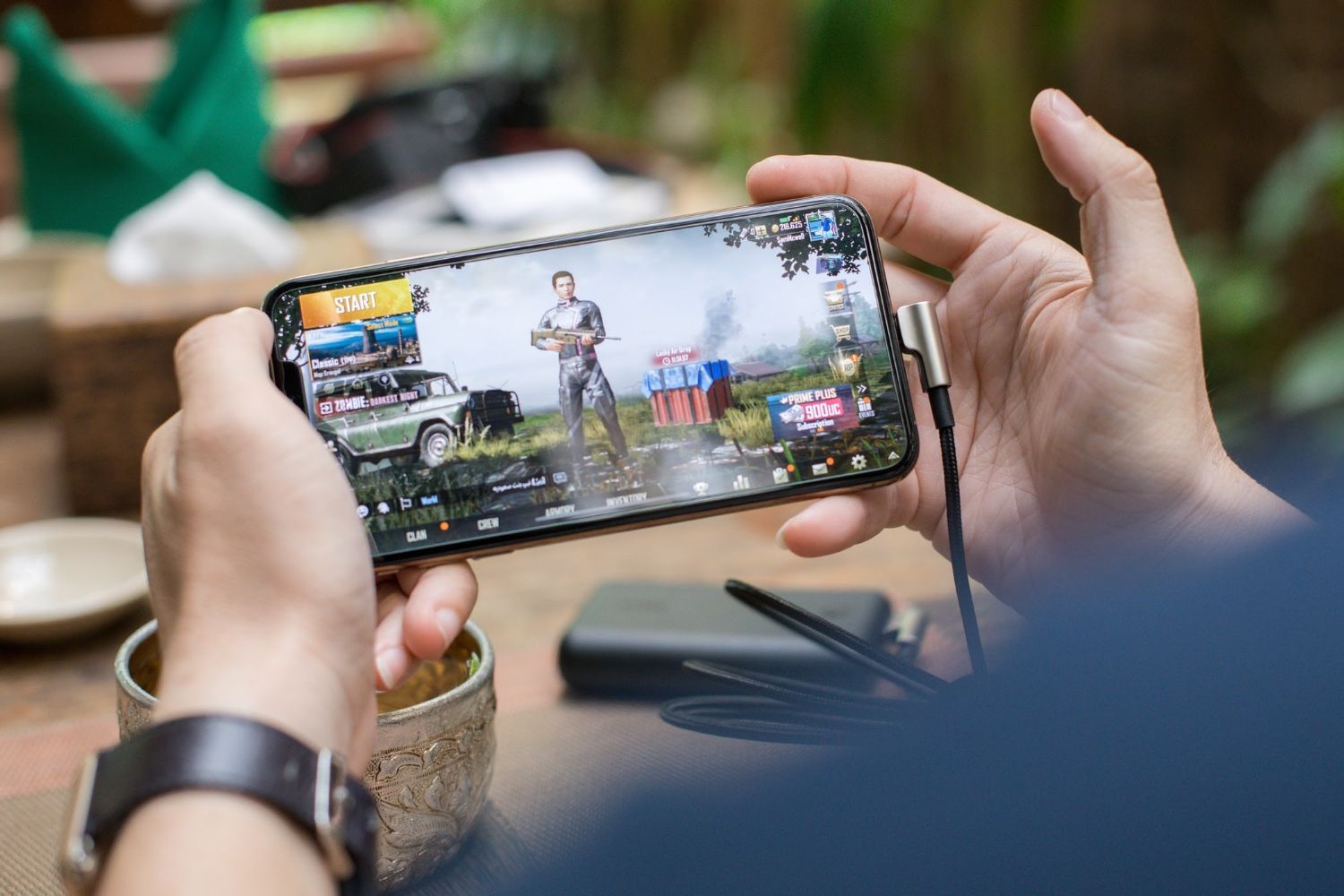
Codashop
Up to 1% Cashback
Codashops new customers
1%
Codashops existing customers
0.2%
Cashback timeline
Purchase
Tracked in
7 days
Confirmed in
90 days
Terms and exclusions
Refunds, cancellations and no-shows
Any rejected, cancelled, refunded, exchanged or returned purchases will not be eligible for Cashback.
- For partial returns or exchanges, we'll prorate the Cashback as an adjustment.
Tracking disclaimers
- Your Cashback may be tracked at a different rate initially and adjusted to the correct rate when we confirm the transaction details.
Other terms and conditions
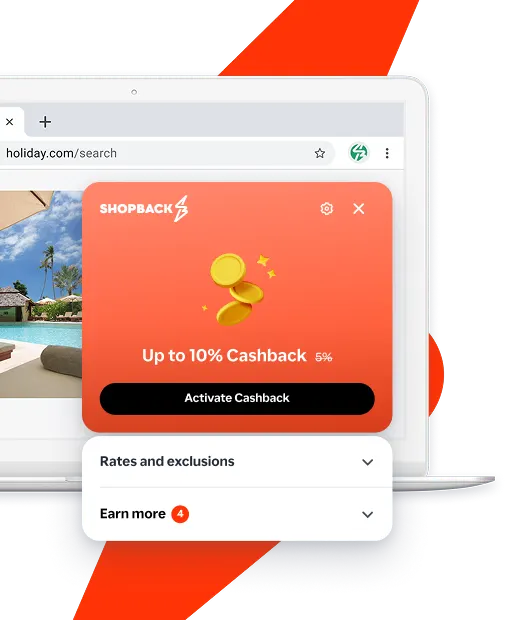
Never miss Cashback on Codashop
Get instant alerts on Cashback when you shop online with the ShopBack extension.
Cashback tips
Check carefully for Cashback exclusions and caps before you buy or book to avoid disappointment. Don't forget the terms and conditions on any promotion and campaign pages.
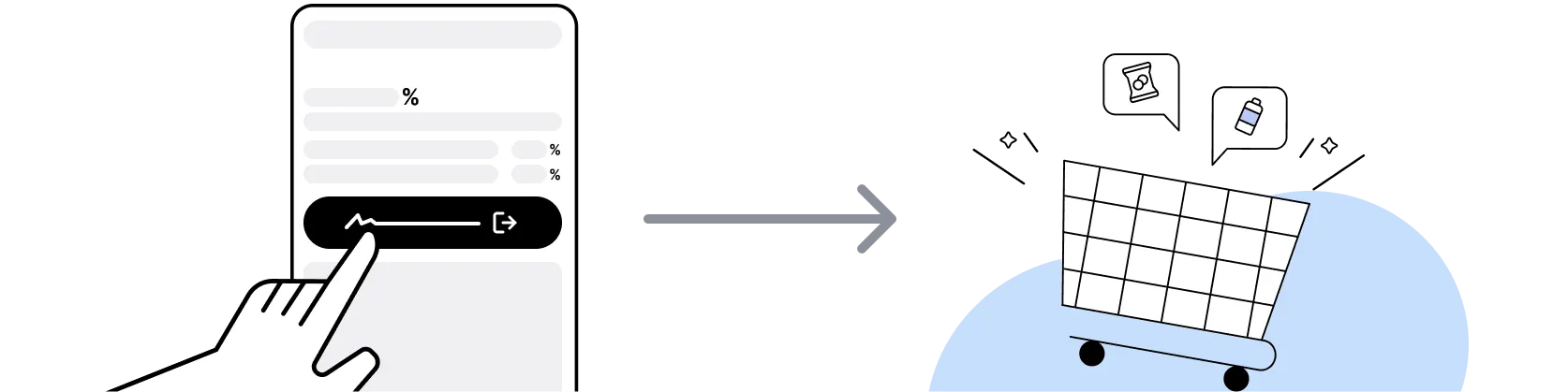
Complete your shopping in one go: Always start from this platform to visit the store directly, for every new transaction. If your store visit is interrupted by an app update or download screen, restart your shopping from our platform.
Don't click on any third party links or extensions or use VPN or adblocking software, as they could result in your Cashback not being tracked. Some examples include: Facebook ads, Google Ads, other loyalty or cashback extension links.

For Codashop, you need to clear your cart, close the Codashop app, open this platform to visit the Codashop app or website and complete your purchase there in order to earn Cashback. You need to do this for each purchase.
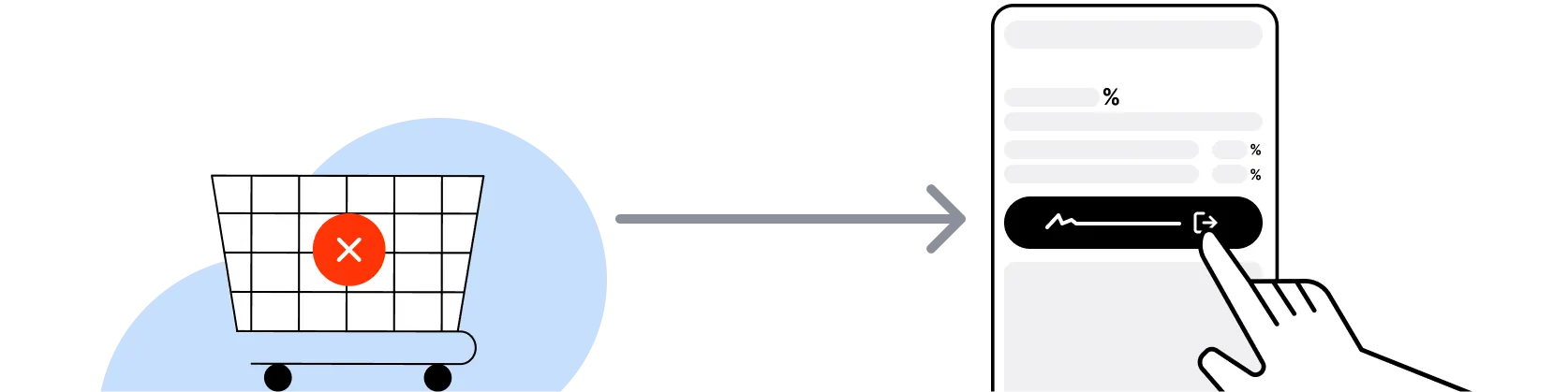
If you encounter payment errors during your purchase, you should restart your visit to the Codashop from this platform to ensure that your Cashback continues to be tracked.
Codashop can only confirm to us that a transaction is recorded if you accept all cookies that appear on their pages.
Shop and earn at similar stores
Codashop on ShopBack Singapore
What is Codashop?
Topping up on Codashop, Coda Payments' authorised game top-up platform? Pick your in-game currency, then check out through ShopBack before you pay: ShopBack Cashback works like a discount, only easier than a promo code. Singapore players use Codashop to top up in-game currency (Mobile Legends Diamonds, Genshin Impact Genesis Crystals, PUBG Mobile UC, Free Fire Diamonds, Honor of Kings Tokens, Valorant Points, Roblox Robux) and buy game passes without going through the in-app store. Payment is via card, PayPal, GrabPay, ShopeePay, and other Singapore-supported methods. Delivery is typically instant to the game account, with no manual redemption code for most titles. ShopBack Singapore is an essential step before you check out at Codashop: go through it before you pay and part of what you spend comes back as Cashback.
Is Codashop legit and safe?
Yes. Codashop is operated by Coda Payments, a Singapore-headquartered digital payments company that holds authorised-reseller agreements with major game publishers (Moonton, HoYoverse, Krafton, Garena, Riot Games, Tencent, Roblox). Purchases post to the player's game account directly, and Coda Payments does not require in-game login credentials. Only the game ID and server region are entered. Cross-check that the Codashop URL is codashop.com/en-sg for Singapore before topping up. Avoid third-party imitator sites.
Codashop vs direct in-game store purchase?
Codashop top-up is typically cheaper than in-app store purchases on iOS and Android, because Codashop bypasses the App Store and Google Play 30% platform fee (publishers price the web top-up channel more aggressively). Codashop also runs weekend bonus events, payment-method partner discounts (GrabPay, DBS/POSB codes), and Coda Rewards points on every purchase. Direct in-app store purchase is faster on impulse buys but generally higher priced. For recurring top-ups (weekly, monthly), Codashop is the standard channel.
What are Coda Rewards?
Coda Rewards is Codashop's free-to-join loyalty programme. Members earn reward points on every top-up purchase, redeemable as discount vouchers on future top-ups. Sign-up is via Codashop account. Points balance and available reward tiers are visible in the account dashboard on codashop.com/en-sg/rewards. Coda Rewards vouchers typically stack with campaign codes (payment-method promos, weekend events), though some launch-day bonus events are marked no-stack. Verify current stacking rules at time of top-up.
When does Codashop run promo events?
Codashop runs promo events across the year including game-specific anniversary windows (Mobile Legends 6th anniversary, Genshin Impact version launches, Free Fire OB events), weekend bonus events (2x diamonds, extra crystals), payment-method partner promos (GrabPay, DBS/POSB, ShopeePay), 9.9, 10.10, 11.11, 12.12 platform-wide events, and first-purchase codes for new accounts. Bonus in-game currency (double diamonds) is more common than cash discount on the top-up price. Follow codashop.com/en-sg for current campaigns.
What payment methods does Codashop accept in Singapore?
Codashop Singapore accepts card (Visa, Mastercard, Amex), PayPal, GrabPay, ShopeePay, DBS PayLah, direct debit and select bank transfer methods. Payment-method partner codes rotate through the year (e.g. S$3 off Genshin Genesis Crystals with GrabPay, DBS/POSB card-linked bonus events). One promo code per top-up transaction, and a Coda Rewards voucher can be used in the same top-up. Verify current payment support on codashop.com/en-sg.
How to top up Mobile Legends on Codashop?
Enter the Mobile Legends User ID and Zone ID (found in-game under Profile), select the Diamond package, pick a payment method, apply any campaign code plus Coda Rewards voucher, and complete payment. Diamonds typically post to the game account within seconds. Mobile Legends anniversary windows (July, aligned with the Moonton launch date) and Codashop weekend bonus events are the deeper-value windows. Cross-check the game top-up savings guide for the timing playbook.
How to top up Genshin Impact Genesis Crystals on Codashop?
Enter the Genshin Impact UID and select Server (Asia for Singapore players), pick the Genesis Crystal package, apply payment-method or event code plus Coda Rewards voucher, and complete payment. Crystals typically post to the account within seconds. Genshin version launches (roughly every 6 weeks) and HoYoverse anniversary in September are the peak top-up windows. Codashop typically undercuts the in-app store price on Genesis Crystals.
How do I earn ShopBack Cashback on Codashop?
Go through ShopBack Singapore before you pay and the Cashback tracks to your ShopBack account: start from the Codashop page on ShopBack and complete the top-up there. The live rate on the Codashop page varies by game title and promotional period.
Do I need a Codashop promo code to earn ShopBack Cashback?
Codashop runs its own payment-method and event codes in the cart, and Coda Rewards vouchers can be redeemed on top-ups; some launch-day and first-purchase codes are marked no-stack with other Codashop offers. ShopBack Cashback works like a discount, only easier than a promo code: go through ShopBack Singapore before you pay.
Does the Codashop mobile app work with ShopBack Cashback?
On your phone, open Codashop from the ShopBack Singapore app and finish the top-up there. On desktop, the ShopBack Chrome extension covers codashop.com/en-sg. Top-ups post to the game account within seconds.
Where can I read more about saving at Codashop?
ShopBack's guide on Codashop covers buying game credits for less: Where Can I Buy a Robux Gift Card Cheaper in Singapore in 2026?.
Last updated: 26 Oct 2026